
Updated November 2026 · Practical KDP metadata guide for first-time self-publishers.
Choosing Amazon KDP keywords and categories is a matching exercise: describe the book accurately so the right readers can recognize it. Here is a step-by-step method that does not rely on invented search-volume numbers or promises of passive income.
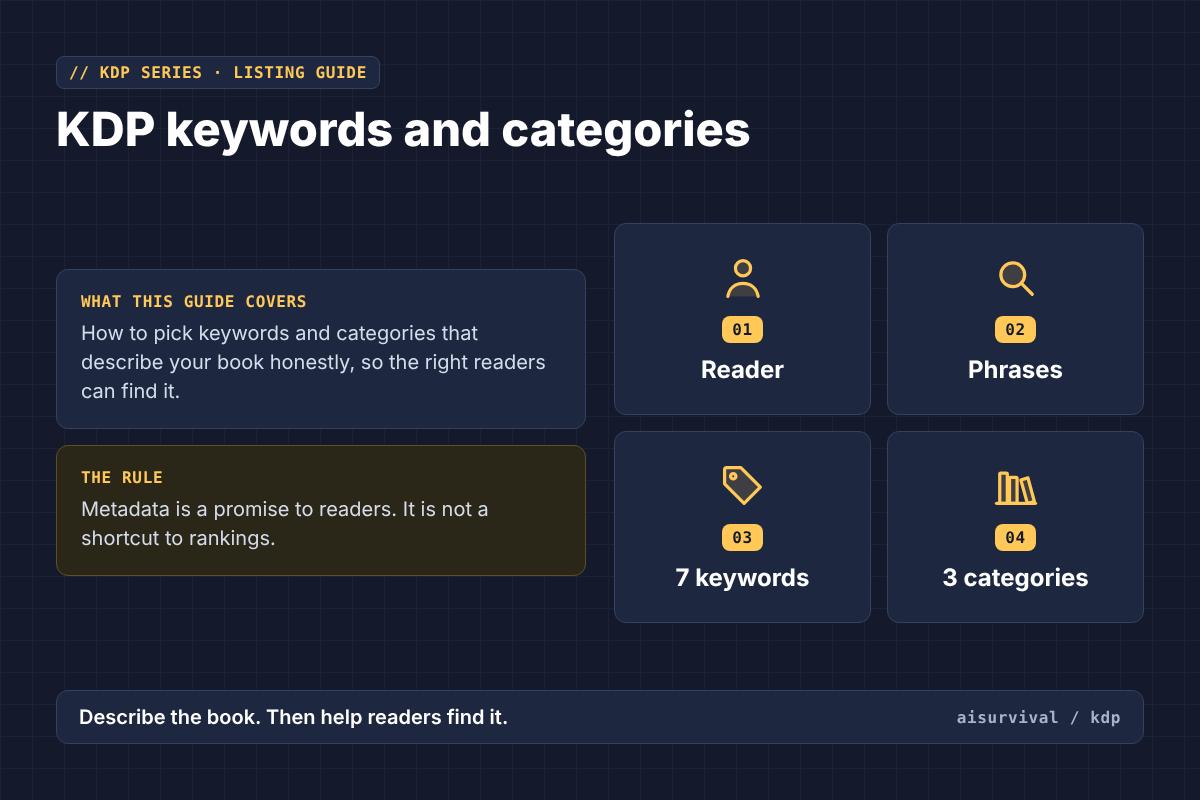
Why KDP keywords and categories matter
A book can be beautifully made and still be difficult to find. Keywords help describe the searches your book is relevant to; categories place it on browsing shelves. Neither is a substitute for a useful book, a clear cover, or an accurate description. Think of metadata as a promise to readers, not a shortcut to rankings. This guide focuses on choosing relevant terms and shelves without stuffing phrases or making unsupported sales claims.
Start with the reader, not a keyword tool
Write a one-sentence reader profile before opening a spreadsheet: “A parent of a seven-year-old wants independent word-search practice with large, readable print.” Then list the book’s actual format, age range, subject, difficulty, and distinguishing features. These are the facts that should drive your research. A term that attracts a large audience but misrepresents your pages is a poor choice.
Build a small search-intent list
Brainstorm the natural language a buyer might use: “word search for 7 year olds,” “easy animal word searches,” or “large print word search kids.” Treat these as examples, not validated search-volume data. Check Amazon’s search interface manually, examine relevant books, and note how their titles and descriptions explain the reader benefit. Autocomplete suggestions can inspire ideas, but they do not establish demand or expected sales.
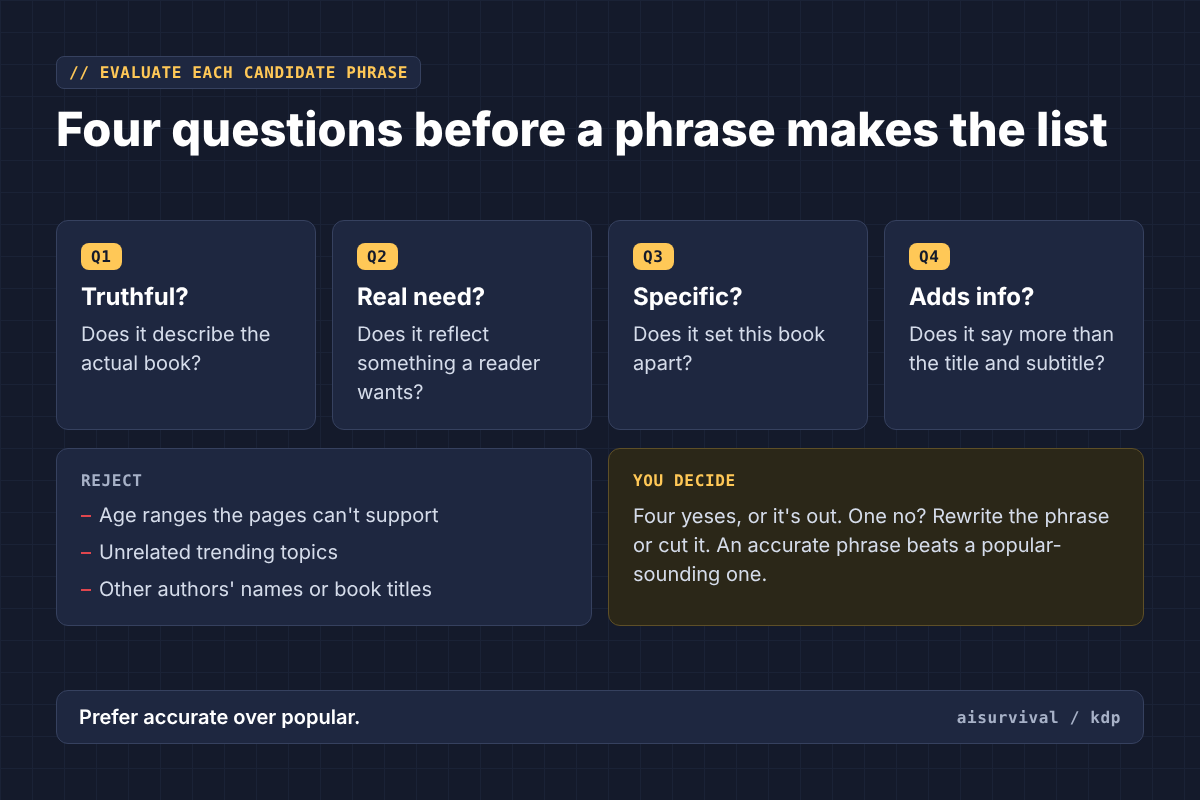
Evaluate each candidate phrase
For each phrase, ask four questions. Is it truthful about the actual book? Does it reflect a clear reader need? Is it specific enough to distinguish this product? Does it add information beyond the title and subtitle? Reject misleading age claims, unrelated trending topics, and competitor names. Prefer an accurate phrase over a popular-sounding one.
Use the seven KDP keyword fields carefully
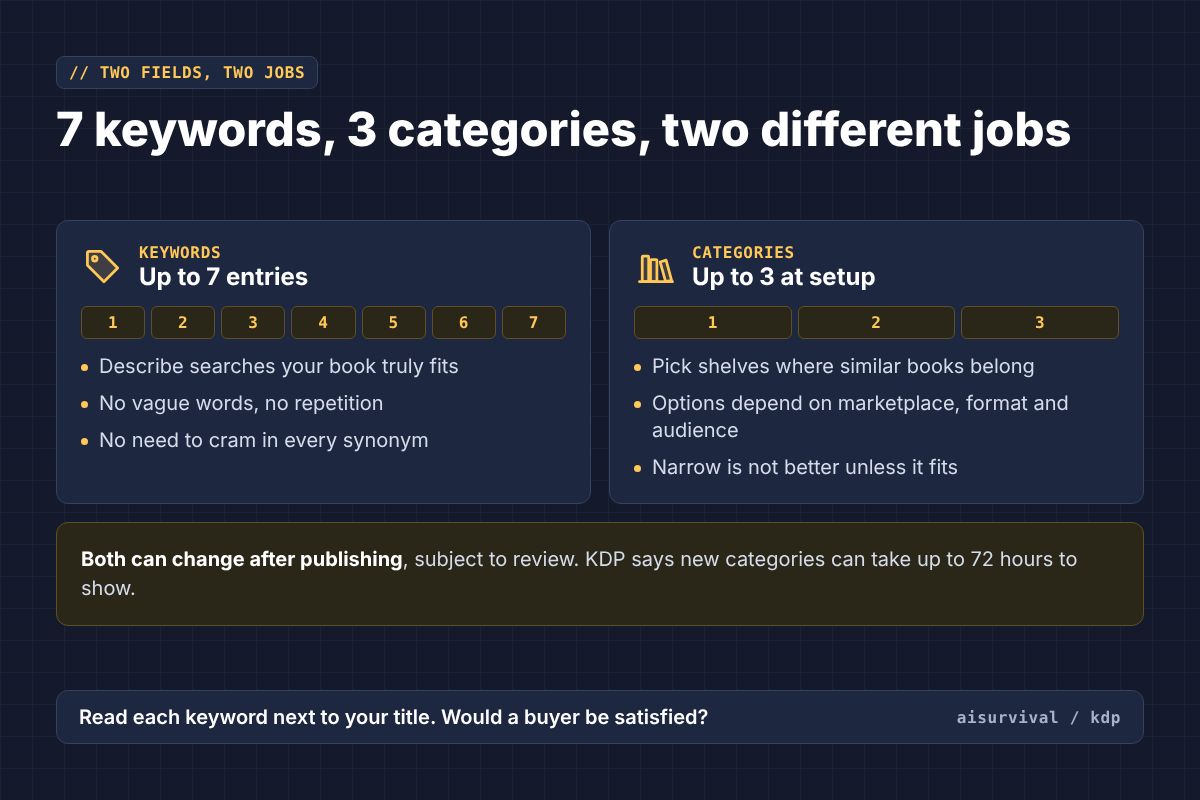
Amazon KDP currently permits up to seven keyword entries for a book. Those entries should relate to its content. Avoid vague words that tell shoppers little. You do not need to force every possible synonym into the listing, and repetition is not a quality strategy. Before submission, read each entry aloud alongside your title and ask whether a buyer would be satisfied by the pages they receive.
Choose categories as real bookstore shelves
KDP currently allows you to select up to three categories during setup. Available categories depend on marketplace, format, and audience information. Start with the primary marketplace, identify where comparable books genuinely belong, and choose the closest relevant shelves. A narrow category is not automatically better: the book must actually match it. If your precise topic has no matching category, select the nearest accurate option and use relevant keywords to clarify the subject.
Children’s books need extra precision
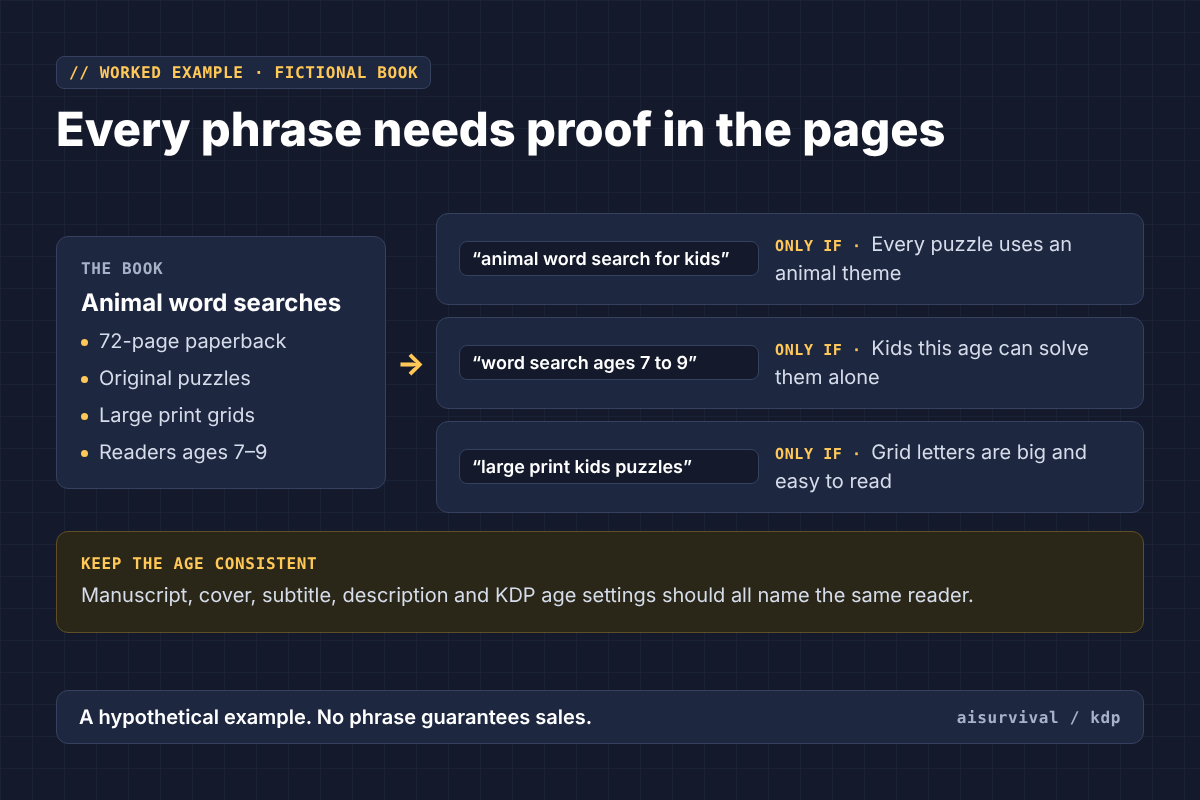
For a children’s activity book, age suitability is part of the product promise. Check the reading demands, instructions, puzzle density, and physical print size. KDP’s category guidance explains that age settings influence eligibility for children’s categories. Do not claim “ages 4–12” merely to capture more searches if younger readers cannot complete the activities independently. The intended audience should be consistent across the manuscript, cover, subtitle, description, and age settings.
Worked example: a fictional activity book
Imagine a 72-page paperback containing original, large-print animal word searches designed for independent readers ages seven to nine. Its positioning might be “animal-themed word searches for elementary readers,” with emphasis on readable grids and clear instructions. Candidate phrases could include “animal word search for kids,” “word search ages 7 to 9,” and “large print kids puzzles,” but only if each claim is supported by the final interior. For categories, inspect the current choices in your marketplace rather than assuming a category name found in an older tutorial still exists. This is a hypothetical illustration, not a claim that any phrase will generate sales.
What to avoid
Do not use another author’s name or book title to siphon traffic. Do not insert claims such as “bestseller” or “award-winning” without substantiation. Do not select unrelated categories for an easier ranking. Do not copy competitors’ descriptions. Do not change your target audience halfway through the listing. Metadata should make the book easier to understand, not harder to trust.
What you can change after publication
KDP allows changes to keywords and categories after publication, subject to review. Some other metadata, including certain title and trim-size details, is restricted or locked. This makes careful setup worthwhile. Category changes can take time to appear in the store; KDP says category display changes can take up to 72 hours. If you revise a listing, change one hypothesis at a time and keep a dated log rather than assuming an immediate change in visibility proves causation.
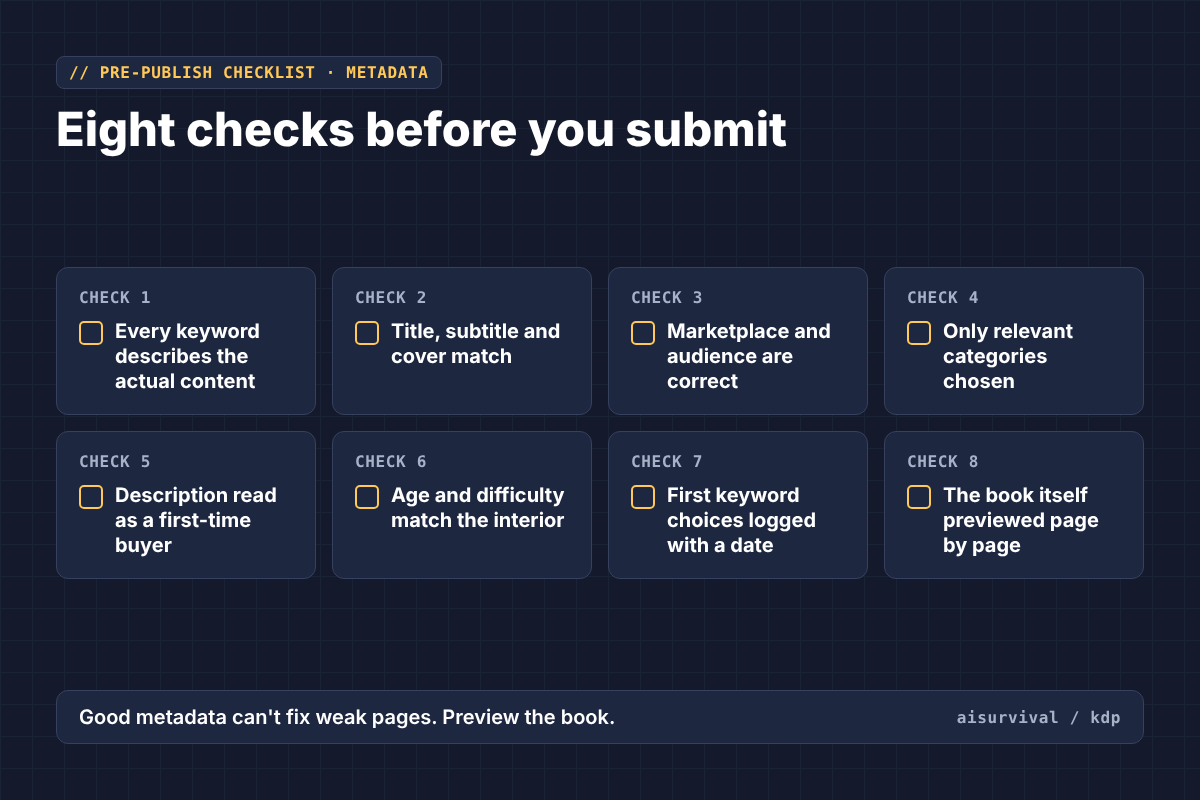
A practical pre-publish checklist
Confirm that every keyword describes the actual content. Check that the title, subtitle, and cover match. Verify that the primary marketplace and audience are correct. Choose only relevant available categories. Read the description as a first-time buyer. Confirm that age and difficulty claims match the interior. Record your initial keyword choices so later revisions are traceable. Finally, preview the book itself: discoverability cannot compensate for poor page quality.
Frequently asked questions
How many keywords can I add? KDP currently allows up to seven keyword entries. How many categories can I select? Up to three during title setup, subject to format and marketplace availability. Should I choose the least competitive category? Relevance comes first; a misleading category harms reader expectations. Can I update keywords later? Yes, through your Bookshelf and book details, with changes subject to review. Will the right keywords guarantee sales? No. Sales depend on many factors, including product quality, reader demand, presentation, price, and promotion.
Official KDP sources
- How to add or change keywords
- KDP categories and audience guidance
- Metadata guidelines for books
- Updating book details after publication
Platform rules and category menus can change. Confirm the latest options inside your KDP account before publishing.