
What does “OAuth request failed” mean in Claude Code?
“OAuth request failed” means Claude Code could not finish signing you in, because the login request to Anthropic’s servers came back with an error. In most reports the problem is on the server side, not your computer. It often shows up during an outage, together with Claude Code logging you out mid-session. The fastest fix is to check status.claude.com, wait a few minutes, and run /login again.
On November 13, 2026, many users reported this at once. Claude Code logged them out in the middle of a task, /login would not complete, and some saw “OAuth request failed” when they tried to sign back in (Hacker News).
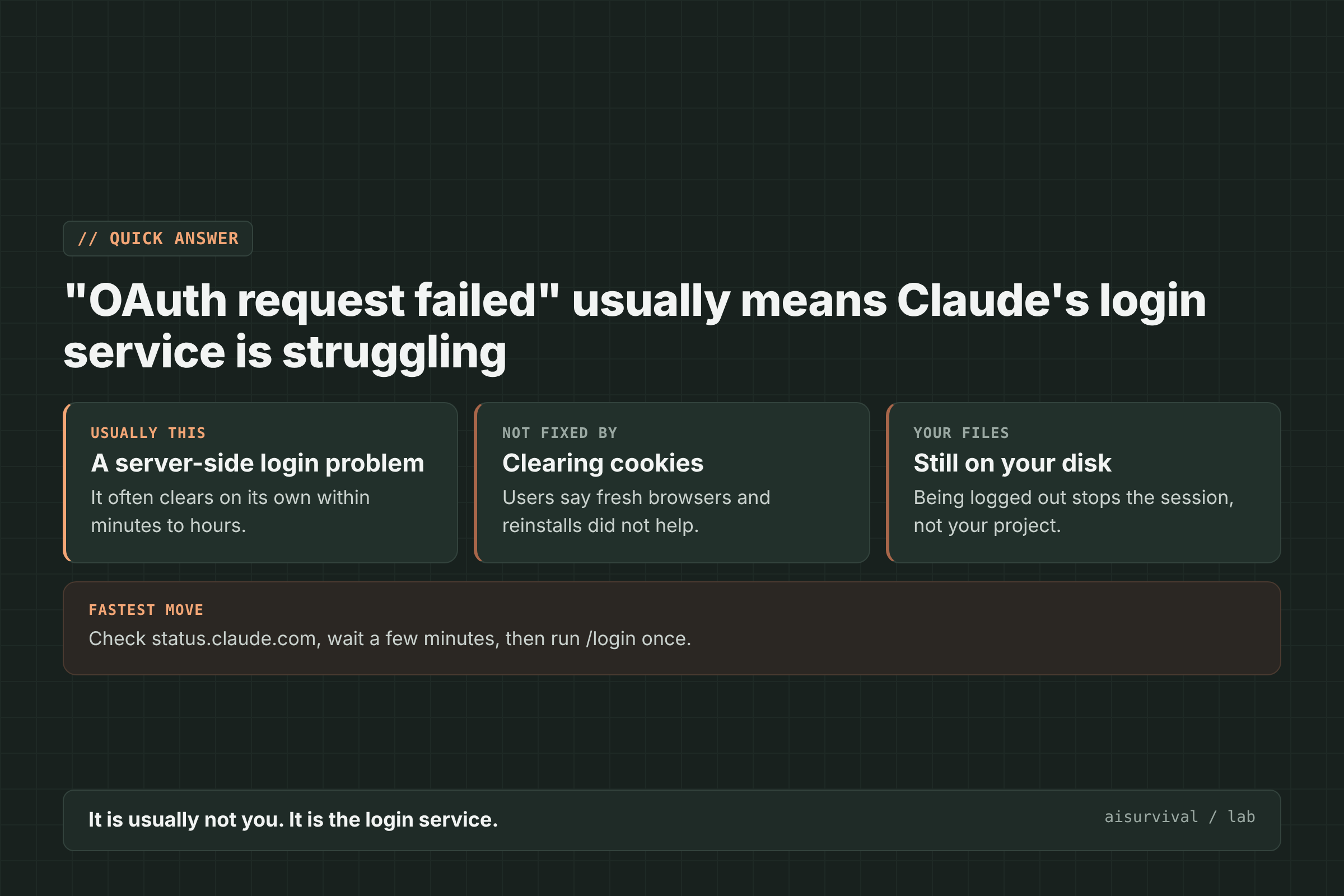
Below: the messages you might see, six fixes in order, and how to protect the task Claude Code was in the middle of.
On this page
- The messages you might see
- What causes it
- How to fix it (6 steps)
- How to protect your work
- Copy-and-paste note
- Limits of this guide
- FAQ
What messages come with a Claude Code login failure?
A Claude Code login failure can show up as several different messages. They look different, but they all point to the same next step: getting a clean login once the service is healthy.
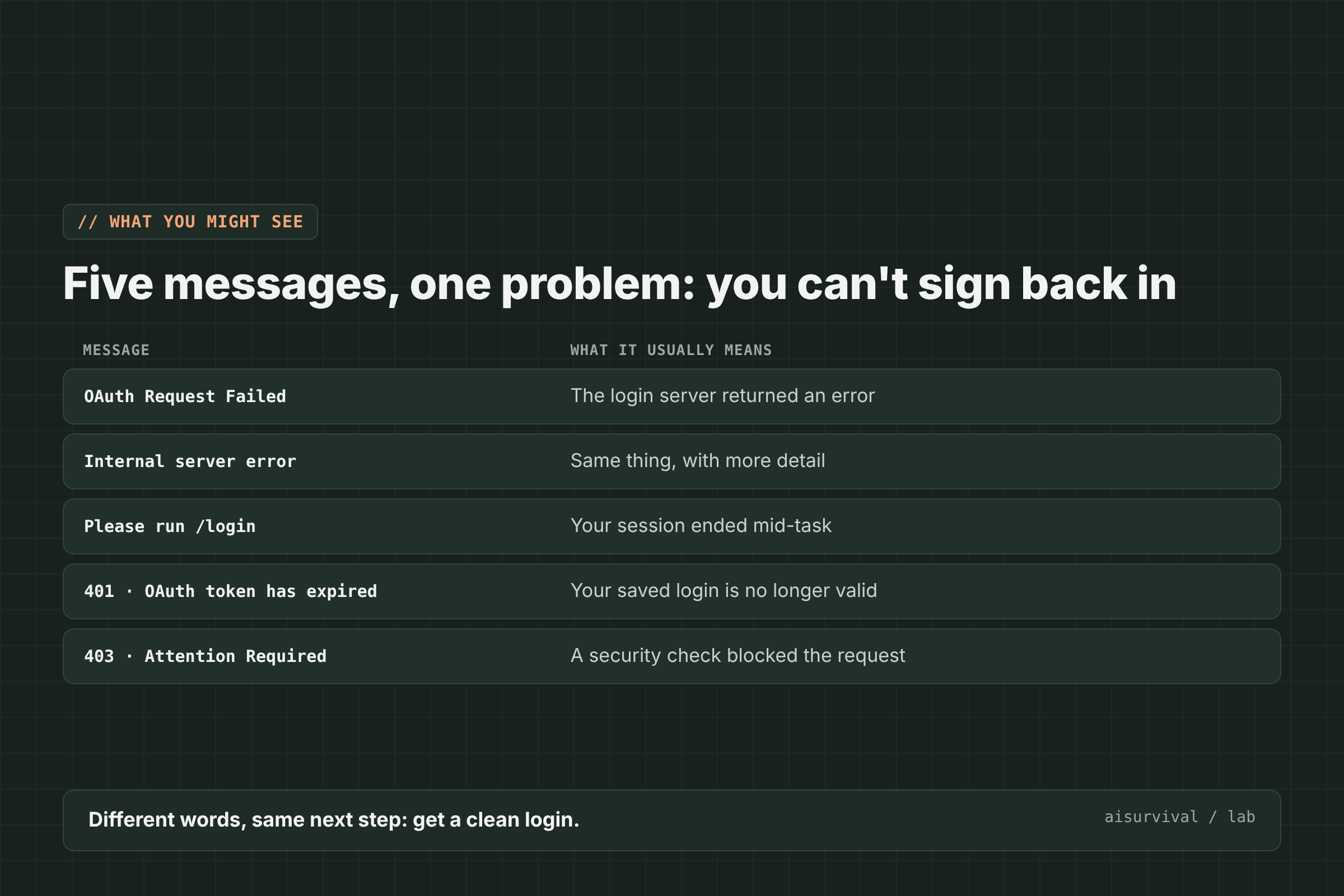
| Message you see | What it usually means |
|---|---|
| OAuth Request Failed | The login server returned an error |
| Internal server error | The same failure, with the server’s error text |
| Please run /login | Your session ended, often mid-task |
| API Error: 401 … OAuth token has expired | Your saved login is no longer valid |
| API Error: 403 Attention Required | A security check blocked the request |
What causes “OAuth request failed”?
Anthropic has not published a detailed cause. When users hit this error in a GitHub report, an Anthropic team member called it a “transient issue” that should be resolved (GitHub). User reports point to the same pattern: a temporary problem on the login service, often during a wider outage.
- A service outage. On November 13, 2026, users reported logouts and failed logins at the same time, and a commenter said Anthropic posted an incident on its status page (Hacker News).
- A login server error. In one GitHub report, the sign-in request returned
"Internal server error"while the error persisted across browsers, incognito windows, and reinstalls (GitHub). - An expired saved login. Some users first saw “OAuth token has expired” and were asked to run
/login.
Because the problem is usually on the server, the usual browser fixes (clearing cookies, switching browsers) often do nothing.
How to fix “OAuth request failed” in Claude Code (6 steps)
To fix “OAuth request failed,” check the status page first, then retry /login calmly with pauses, restart Claude Code between attempts, try the VS Code extension, and update and report it if it keeps failing. Stop at the first step that works.
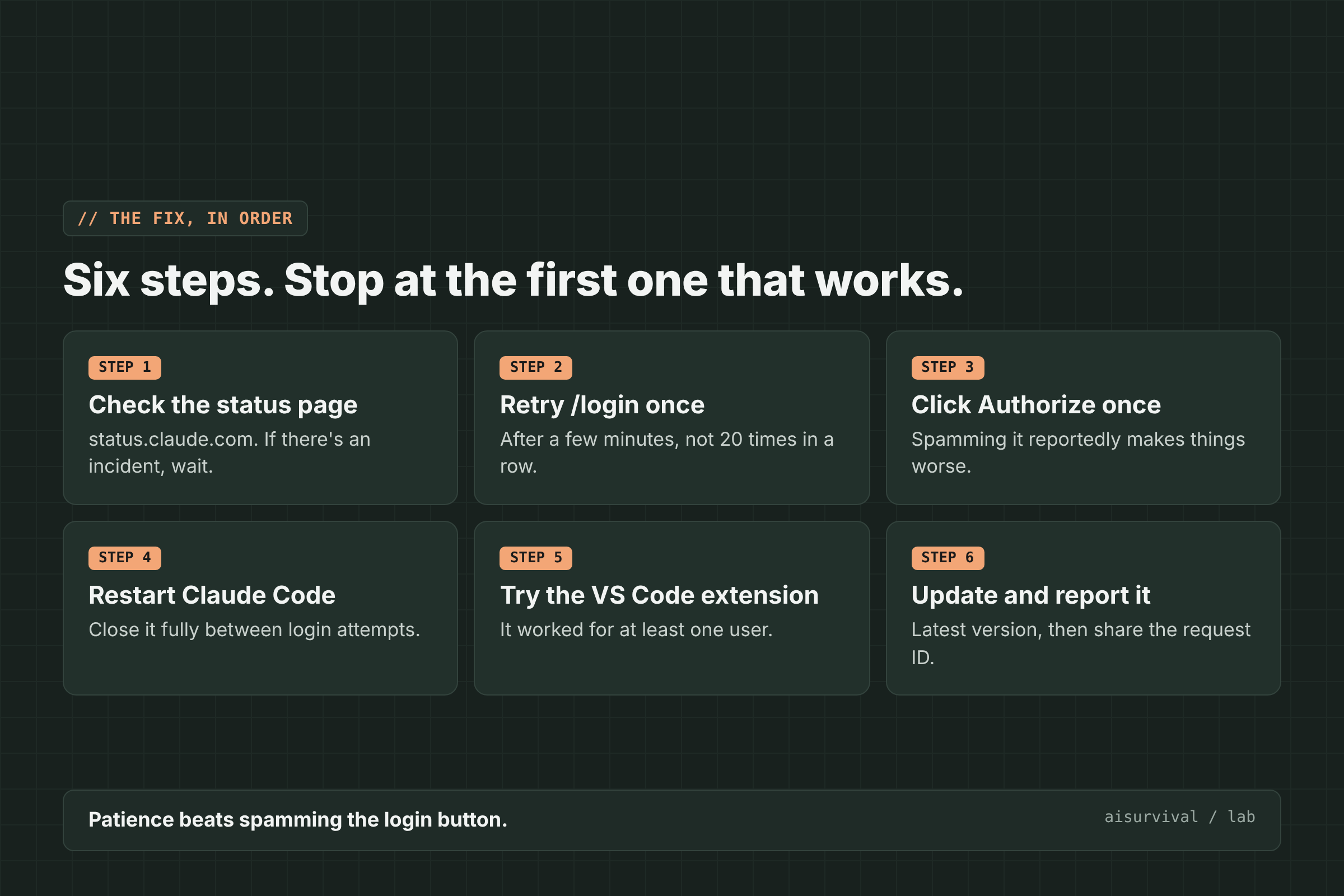
1. Check the status page
Open status.claude.com. If there is an active incident about login or Claude Code, the fix is to wait. Retrying during an outage mostly adds frustration.
2. Retry /login after a few minutes
Wait a few minutes, then run /login again. Users report that login started working again on its own after a short wait. In one GitHub thread, some people needed several attempts before it worked, so pause between tries.
3. Click “Authorize” once, then wait
When the browser login page opens, click “Authorize” once and give it time. One user found that clicking repeatedly made things worse. If the page spins, retry the login link rather than spamming the button.
4. Restart Claude Code between attempts
Close Claude Code fully, open it again, and start a fresh /login. Users reported better luck with a clean restart than with retrying inside a stuck login flow. If pasting the login code into the terminal fails, start the whole flow over.
5. Try the VS Code extension
At least one user could sign in through the Claude Code extension for VS Code when the terminal login kept failing. It is worth a try if you need to get back to work.
6. Update and report it
Update Claude Code to the latest version. If the error continues after the status page shows everything working, report it with the time, your Claude Code version, and the request ID from the error if one is shown.
What usually does not help
- Clearing cookies or switching browsers. Users said the error stayed the same across fresh browser profiles.
- Reinstalling Claude Code. Reports say reinstalling and
/logoutdid not fix a server-side failure. - Rapid-fire retries. Pause between attempts instead.
How do I protect my work when Claude Code logs me out?
When Claude Code logs you out, your session stops, but the files in your project stay on your computer. Before you sign back in, check what changed, save or commit what works, and write a short note about where the task was. Then you can restart the work in minutes instead of guessing.
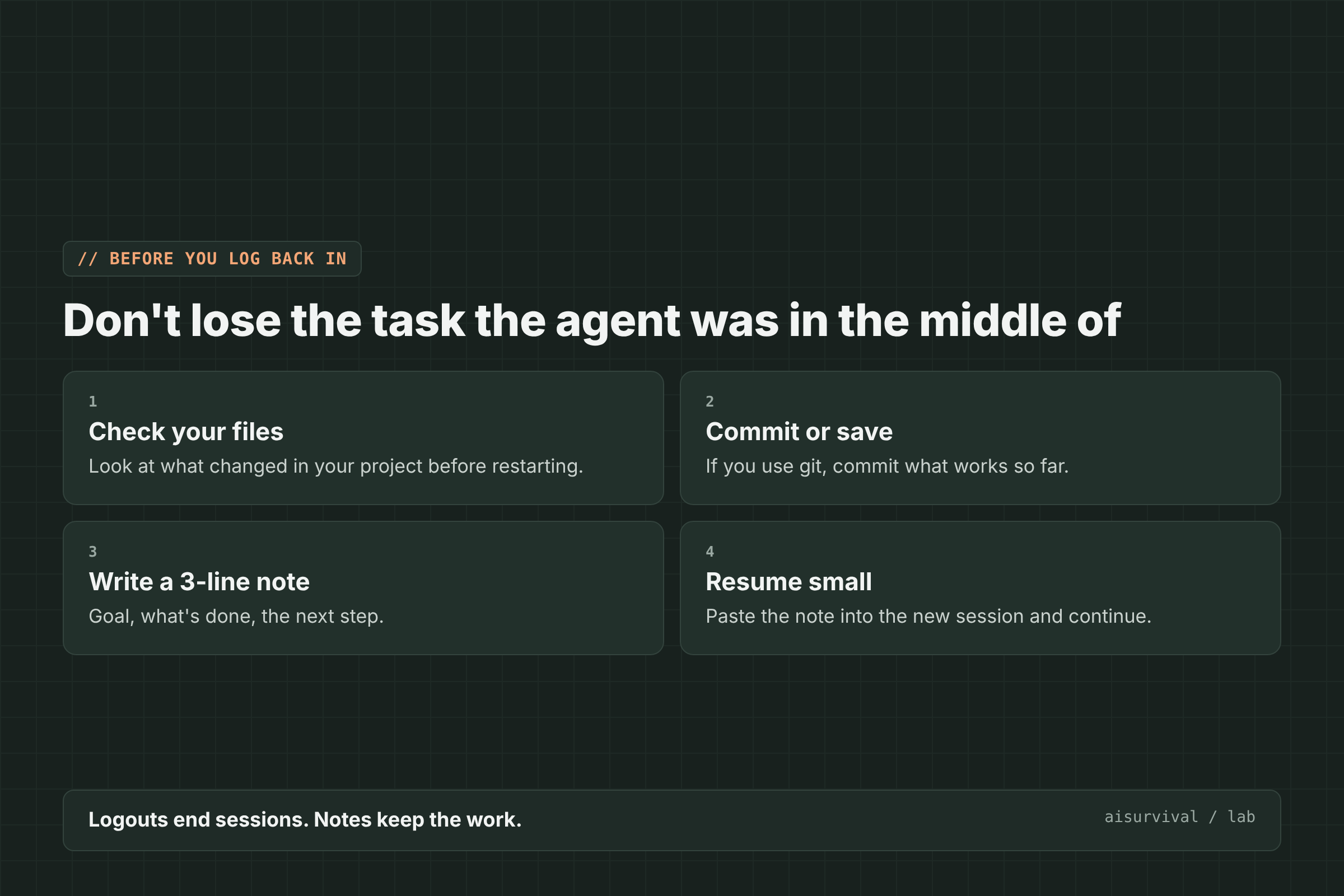
- Check your files. Look at what Claude Code changed before the logout.
- Commit or save. If you use git, commit the parts that work.
- Write a 3-line note. The goal, what is done, and the next step.
- Resume small. Paste the note into the new session and continue one step at a time.
The AI does the typing. You keep the map of where the work is, so a logout never takes the whole task with it.
Copy-and-paste note
After you log back in, paste this into a new Claude Code session. Replace anything in [brackets].
Resume after a logout
My last session ended because I was logged out. Here is where we were:

Goal: [one sentence]
Done so far: [what is finished]
Next step: [the very next thing]

Please:
1. Look at the current files and tell me what you see changed.
2. Confirm the next step in one sentence.
3. Wait for my OK before editing anything.
Limits of this guide
- We did not reproduce this error on purpose. The causes and fixes come from user reports on GitHub and Hacker News and from Anthropic’s status page.
- Anthropic has not published a detailed cause. The “server-side” explanation is based on user reports and one short staff reply.
- The November 13, 2026 reports were still coming in when we wrote this. We checked these reports on November 13, 2026.
FAQ
Did I lose my code when Claude Code logged me out?
Usually not. A logout ends the session, but files already written to your project stay on your disk. Check your project before you start a new session.
Is my Claude account banned?
No. “OAuth request failed” is a login error, not an account message. If many people report it at the same time, it is almost always a service problem.
Why does clearing cookies not fix it?
Because the failure usually happens on Anthropic’s login server, not in your browser. Fresh browsers and incognito windows hit the same server.
How long does it take to work again?
In user reports, anywhere from a few minutes to a few hours. Watch status.claude.com for updates.
Keep going
This post is part of our AI Tool Fixes series on working as a team of one with AI as your teammate. For ChatGPT errors, see {“detail”:”Bad Request”} in ChatGPT and “Selected model is at capacity”.
Want the next fix in this series? Subscribe below and we will send new guides on working with AI as a team of one.
Your turn: Which AI tool error should we explain next? Tell us in the comments.